Option 1
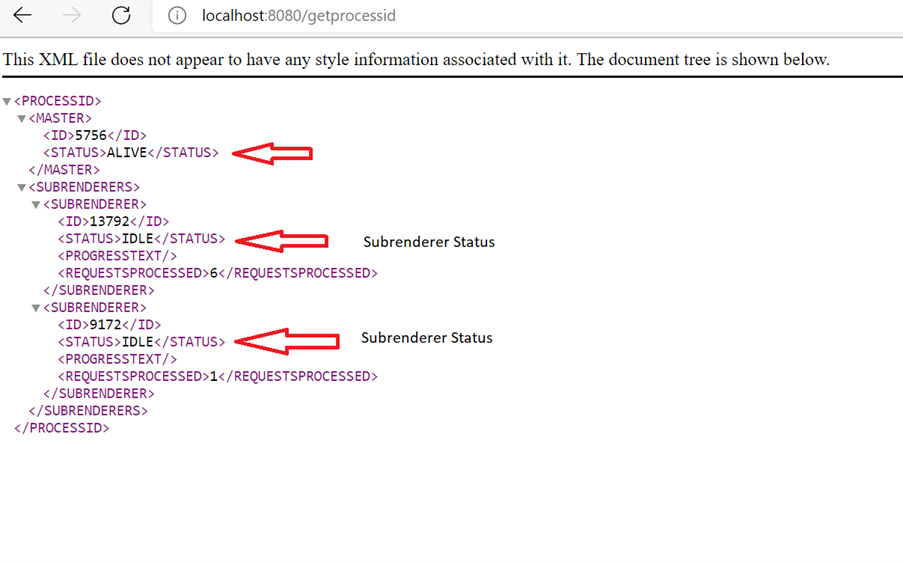
We can use below command to know the availability of QuarkXPress Server:
http://[Server]:[Port]/getprocessid
Run the URL request http://[Server]:[Port]/ (by default port is 8080)
it would display the admin page
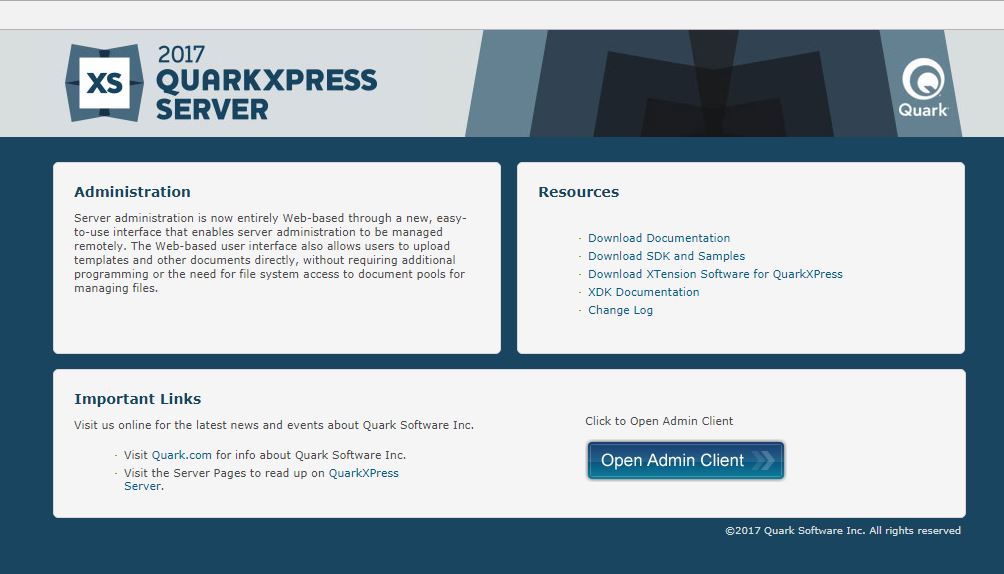
To display the administrative client, click Open Admin Client. The administrative client displays.
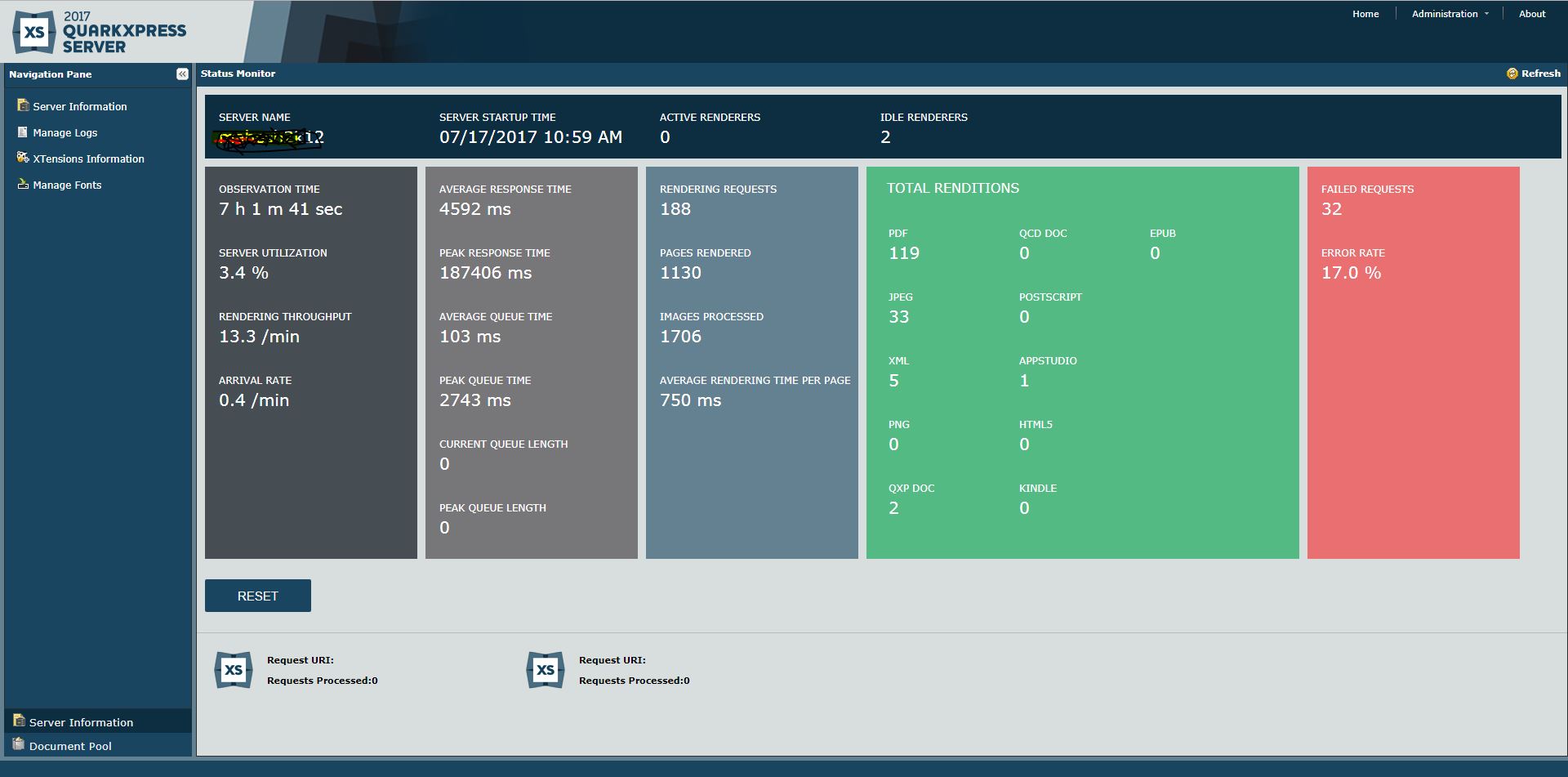
Active Renderers: Represents the number of renderers busy processing a rendering job. This updates dynamically.
Idle Renderers: Represents the number of renderers in an idle state. This updates dynamically.
Priyanka Bhotika
Comments