-
Go to QuarkXPress Server Admin Client by accessing the server URL:
servernameorIP = Name or IP of the machine where QuarkXPress Server is running
-
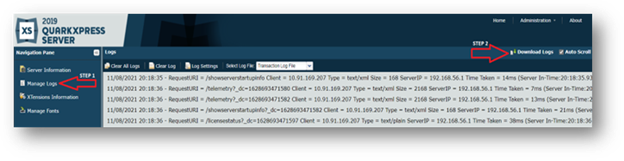
Click on Manage Logs > Download Logs (As shown in the figure)
-
It would download the QuarkXPress Server logs locally.
Priyanka Bhotika
Comments