- Open a QuarkXPress project.
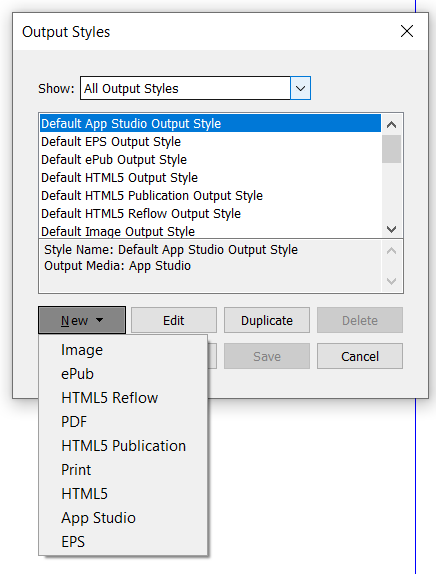
- Go to the Edit menu, and select Output Style. It will open a dialog window.
- Click on "New", and select "PDF" from the drop-down menu.
- Select Compression and set values as per the requirement.
- Click OK and Save the output style.
- Now, this output style can be used while rendering the pdf through QXPS recall as mentioned below:
How to optimize the size of a PDF in QuarkXPress Server
Here are the steps to optimize the size of a PDF in QuarkXPress Server:
Priyanka Bhotika
Comments